Self-hosted ebook & audiobook library
A library that belongs entirely to you.
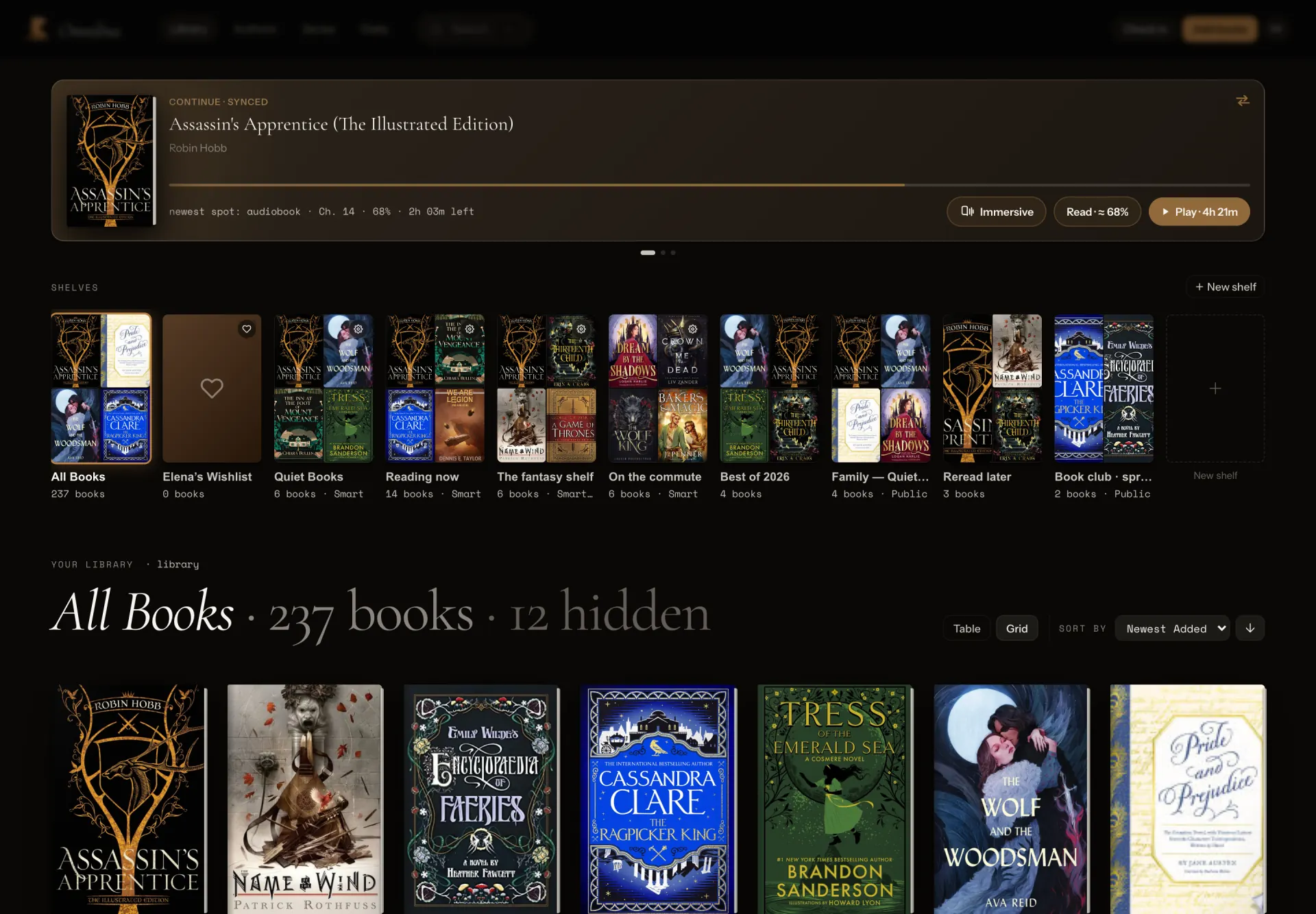
Omnibus indexes the books already sitting on your disk and gives them a home: a cover wall you can browse, a reader that keeps your place, a player that knows its chapters, and no account anywhere except your own server.
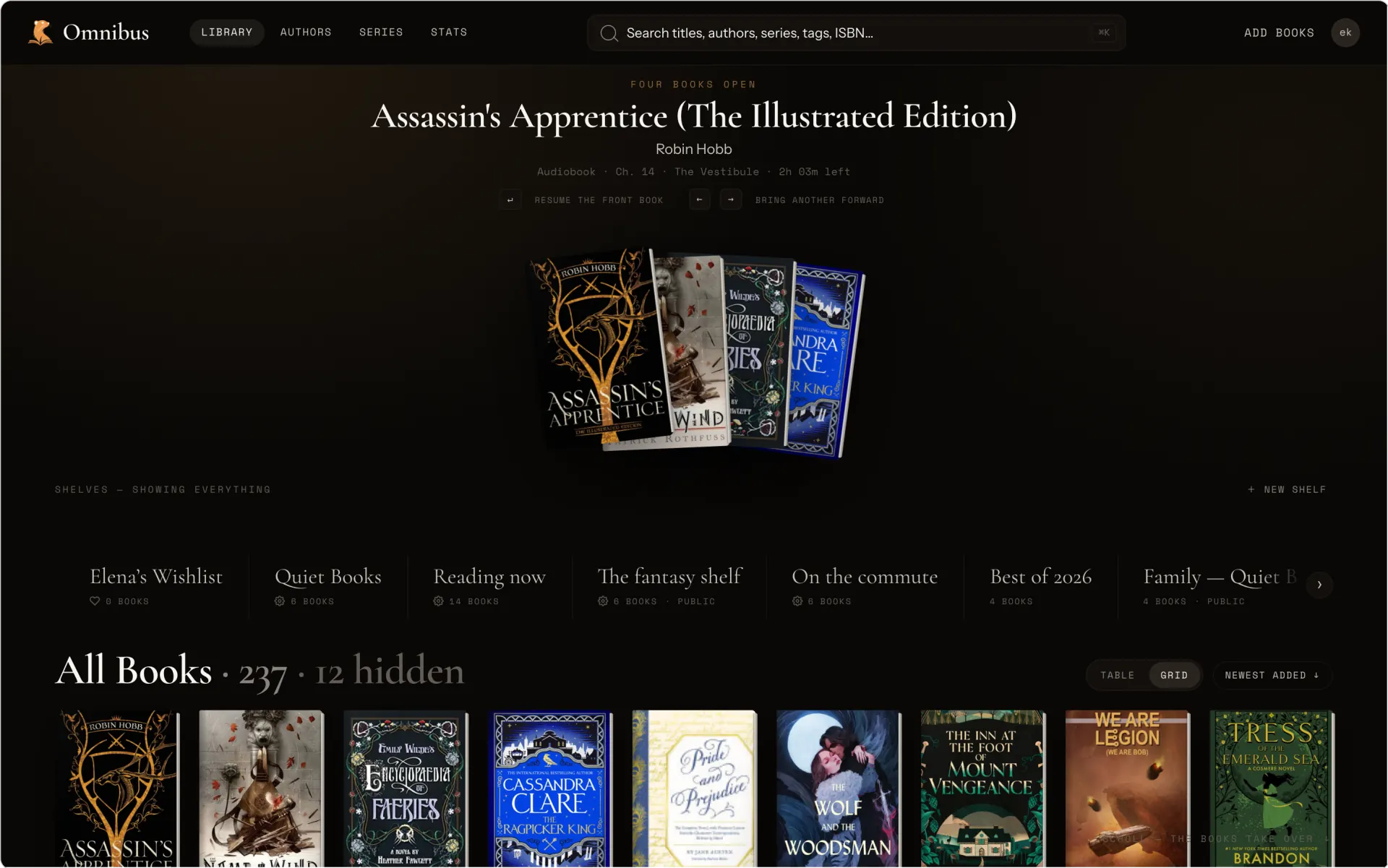
Themes
Four cozy styles
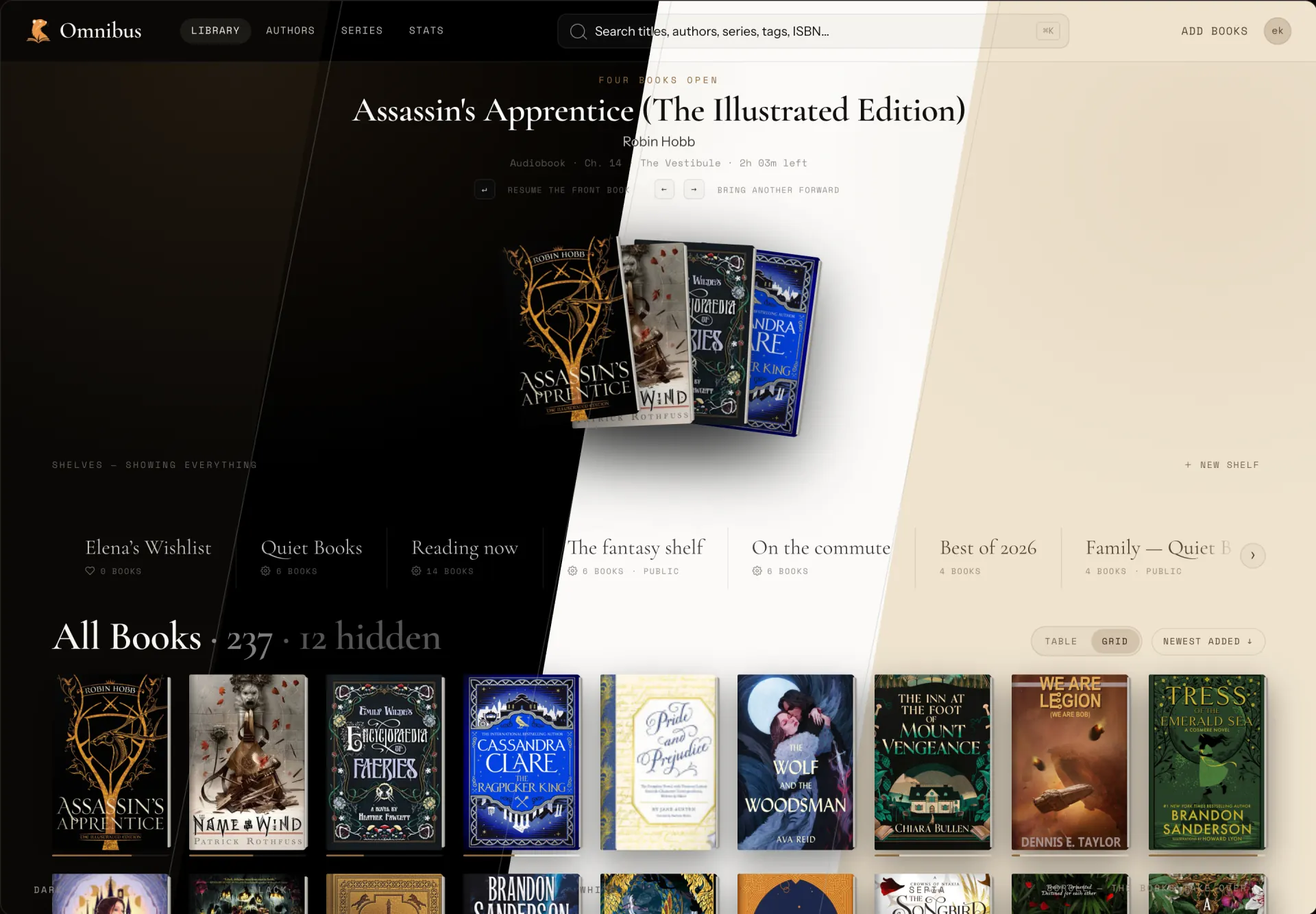
Read
Saves your progress
- Progress lives on the server. The page you left on the laptop is the page your phone opens.
- Highlight a passage and share it as a quote card in a tap.
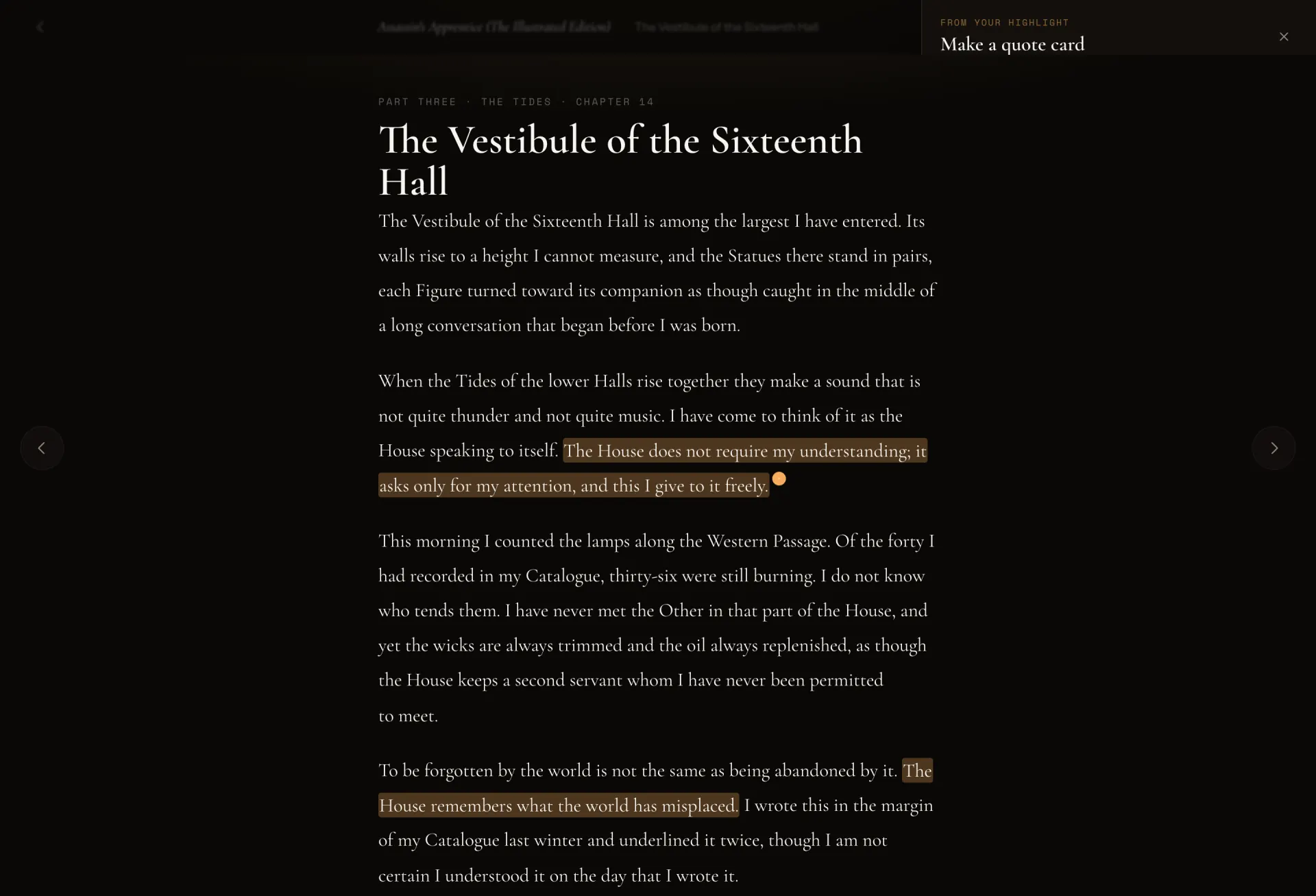
Listen
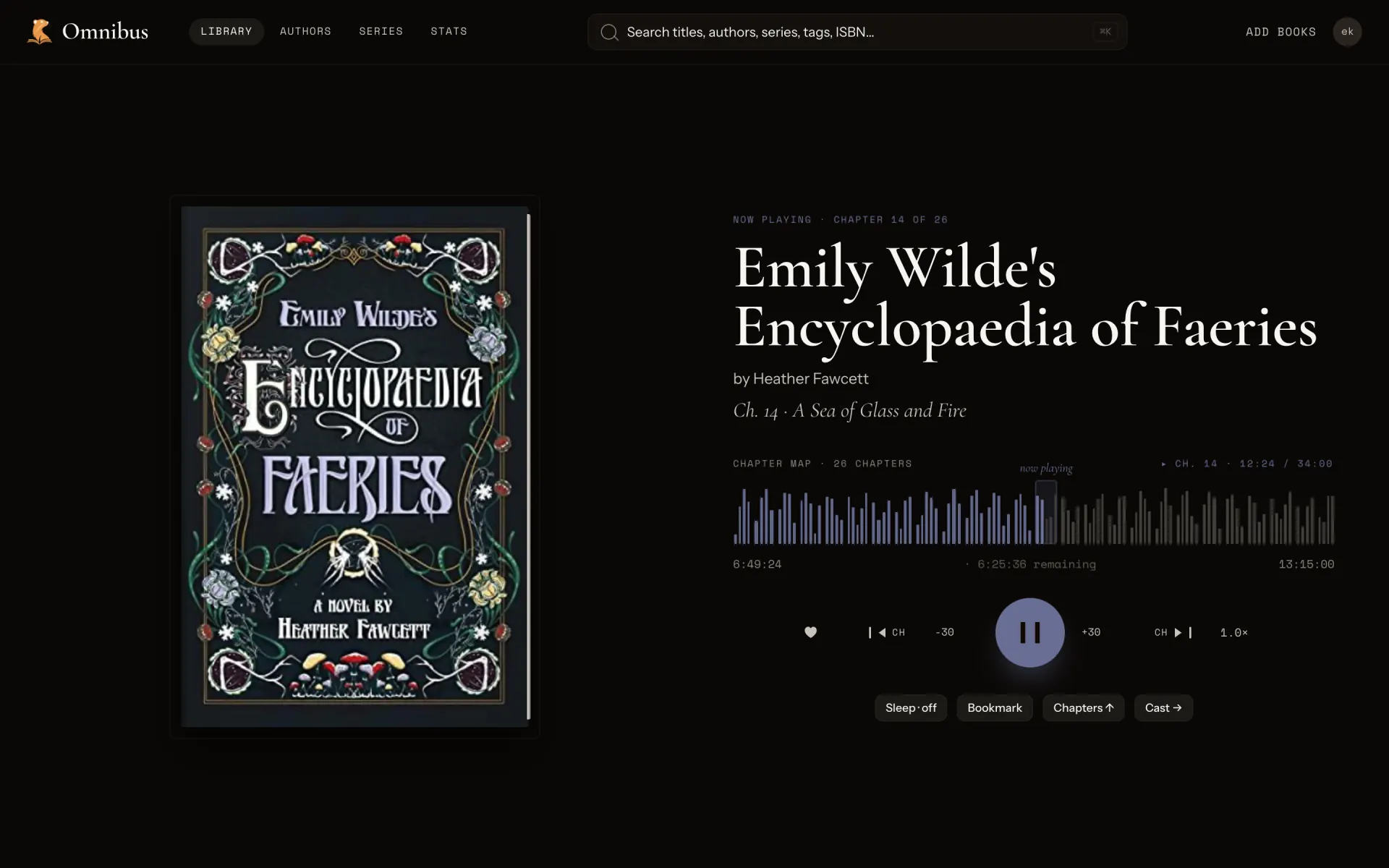
Play any audiobook format
- Streamed, not downloaded. HLS transcode on the fly — start on the commute, finish in the kitchen.
- Chapter map, speed, sleep timer. The controls you actually reach for, one row deep.
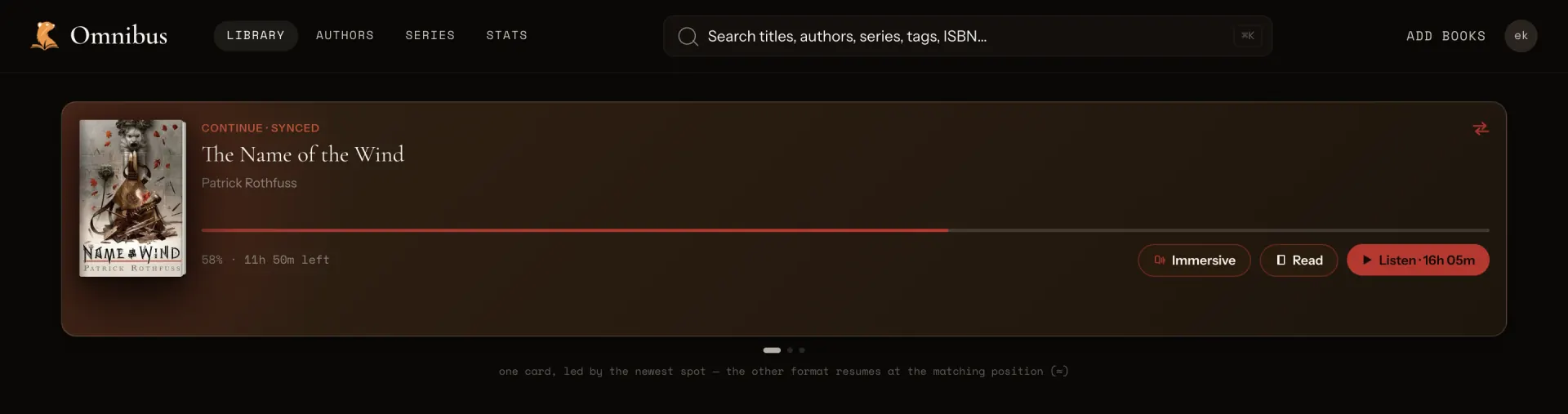
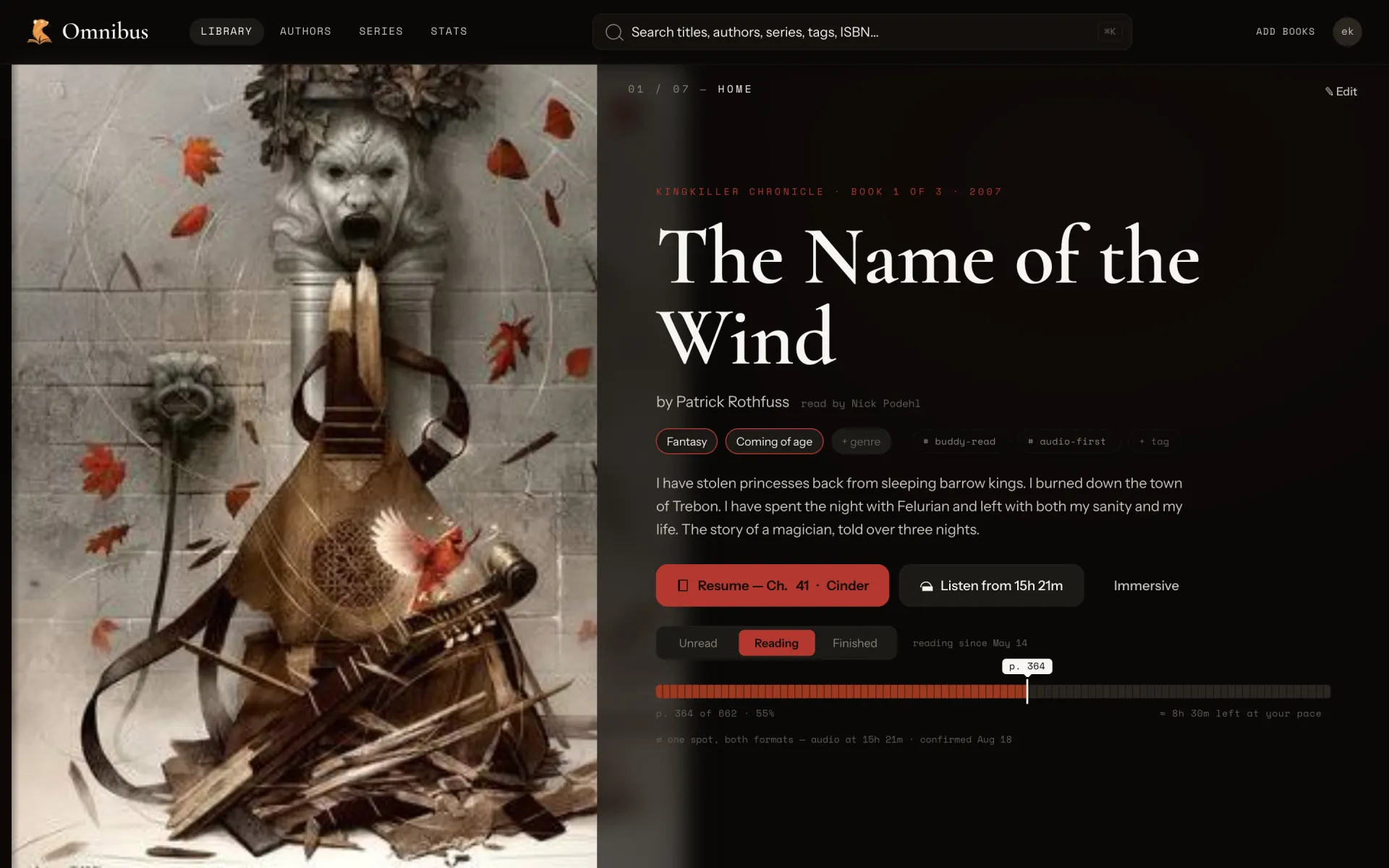
- One book, both formats. Read forty pages, listen for an hour; the record stays in one place.
Format sync
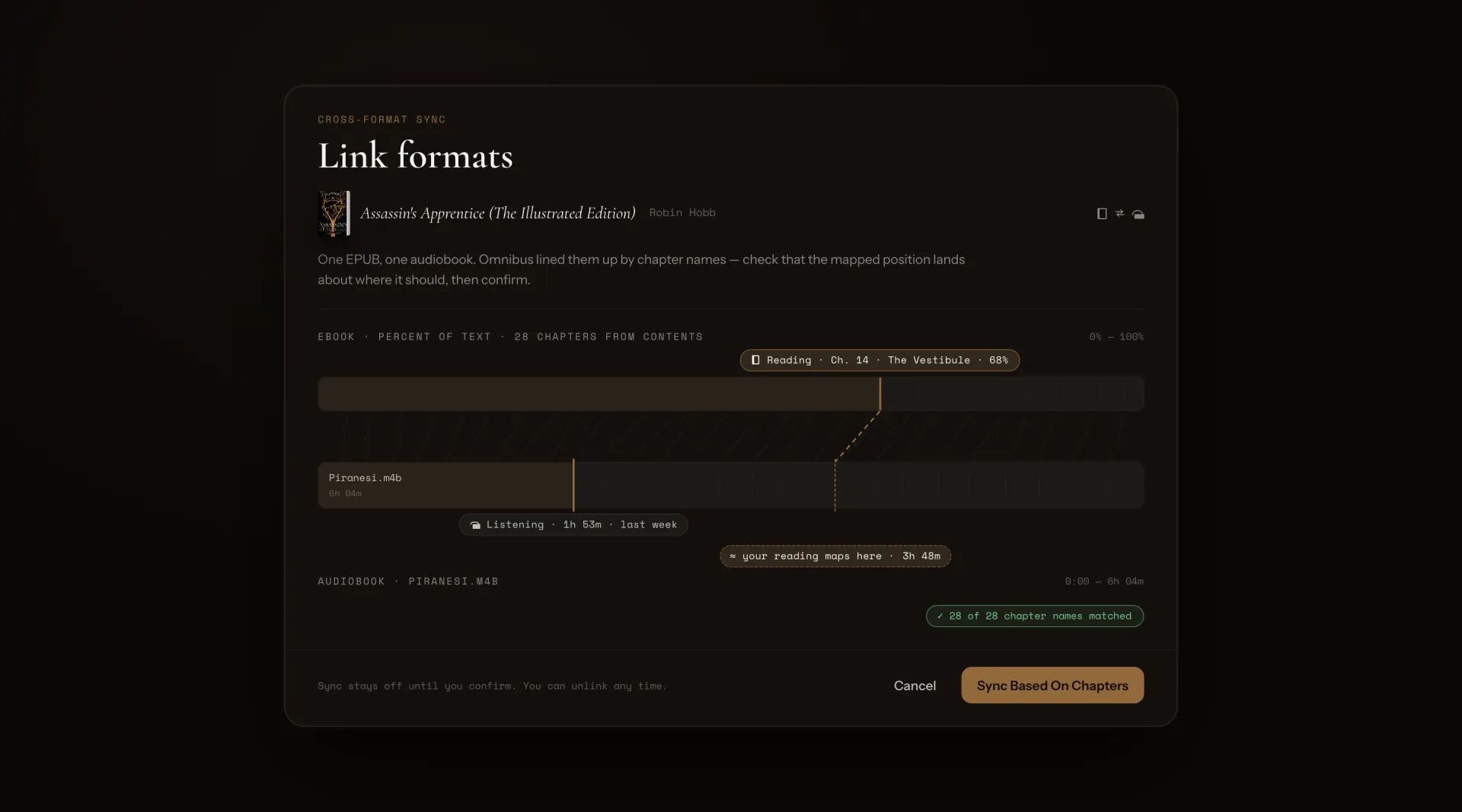
Sync ebook and audiobook positions
- Manually link formats together. You decide whether or not to opt into the feature and how the sync will work.
- Sync based off of chapters when ebook and audiobook have the same chapter count.
- Sync based off of completion percentage when chapters don’t line up.
Kobo
Kobo sync
- Choose shelves to sync. Omnibus hosts Kobo endpoints for your device to talk to.
- KEPUB, not just EPUB. Files convert through kepubify at sync time and stay cached until the book changes.
- Progress, annotations, and reading stats sync directly to your server when your Kobo syncs.
Kindle
Sending to Kindle
- Set SMTP once. The admin configures it in settings, each reader saves their own send-to address, and every book page grows a Send button.
Mobile
Native iOS app with Swift
Native Swift iOS app open for testing. WebView shell on Android. Access your library wherever you go.
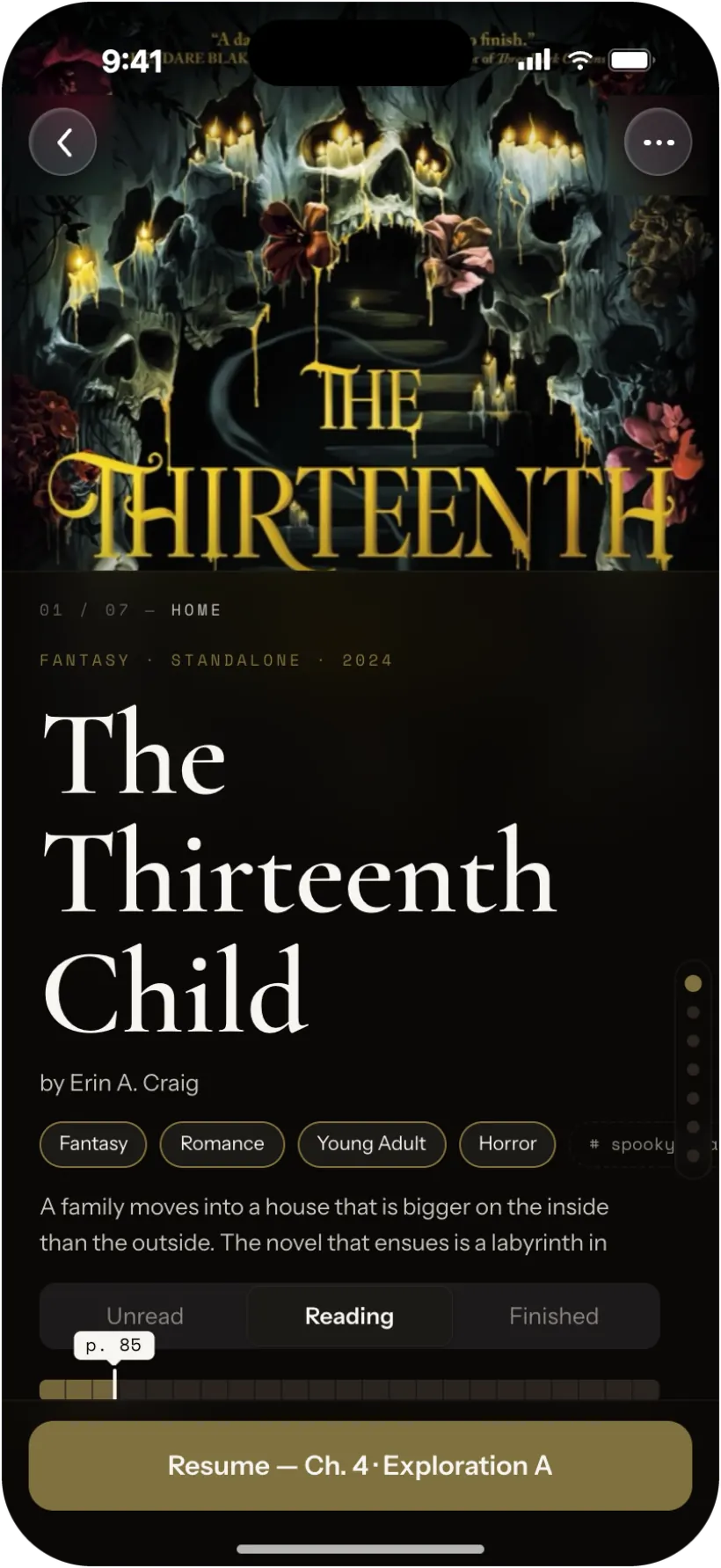
iOS · native SwiftUI
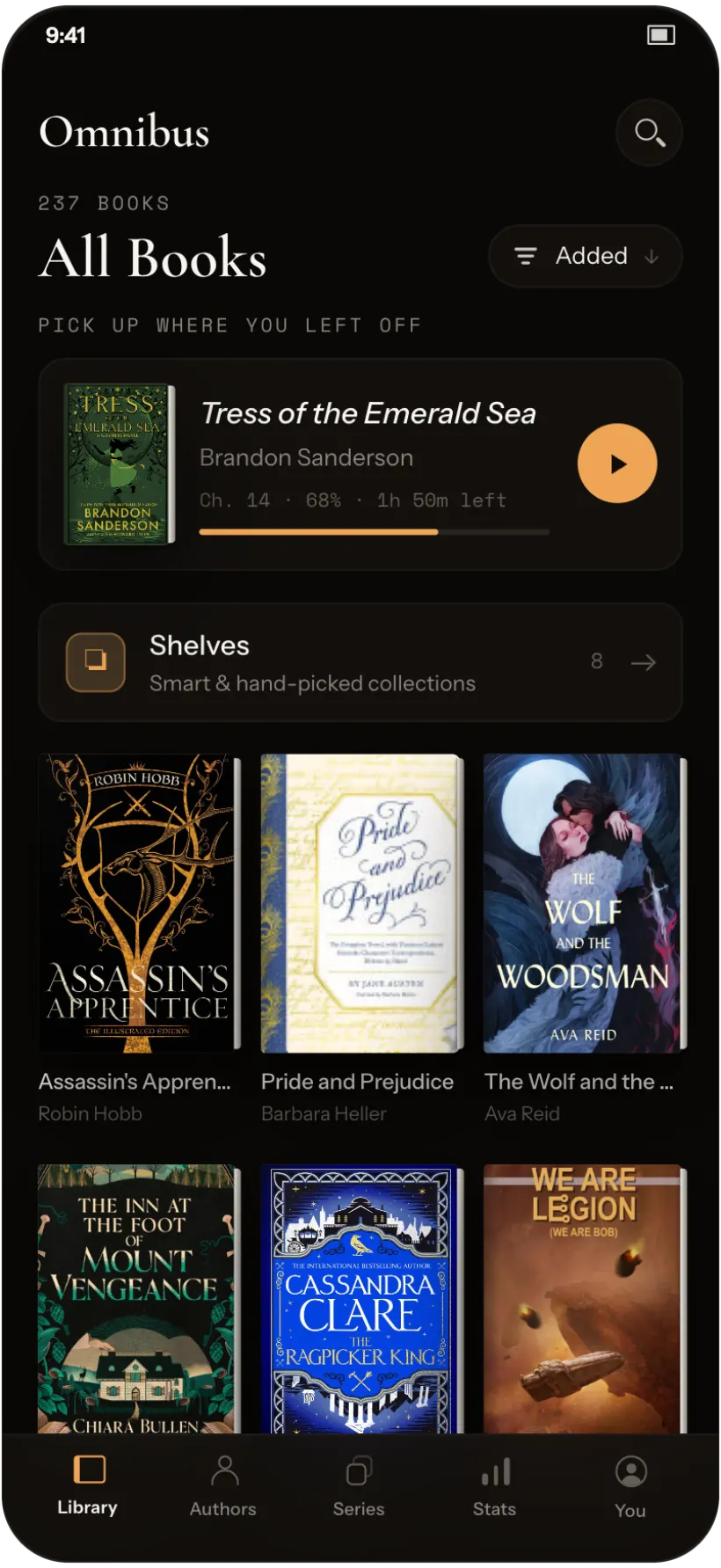
Android · WebView shell
Check-in
Track your physical books
Scan an ISBN to say that you own the book or add it to your wishlist to buy later.
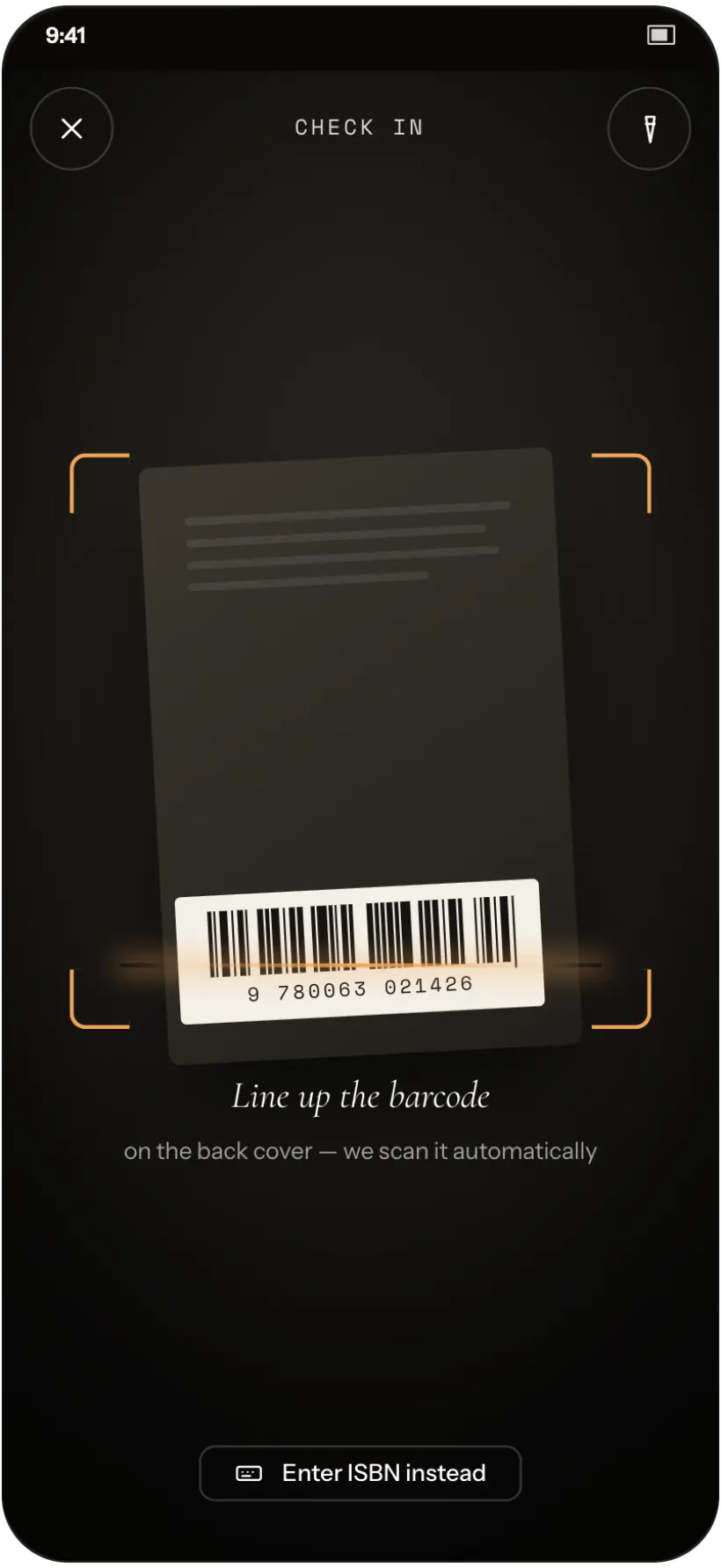
Scan a barcode
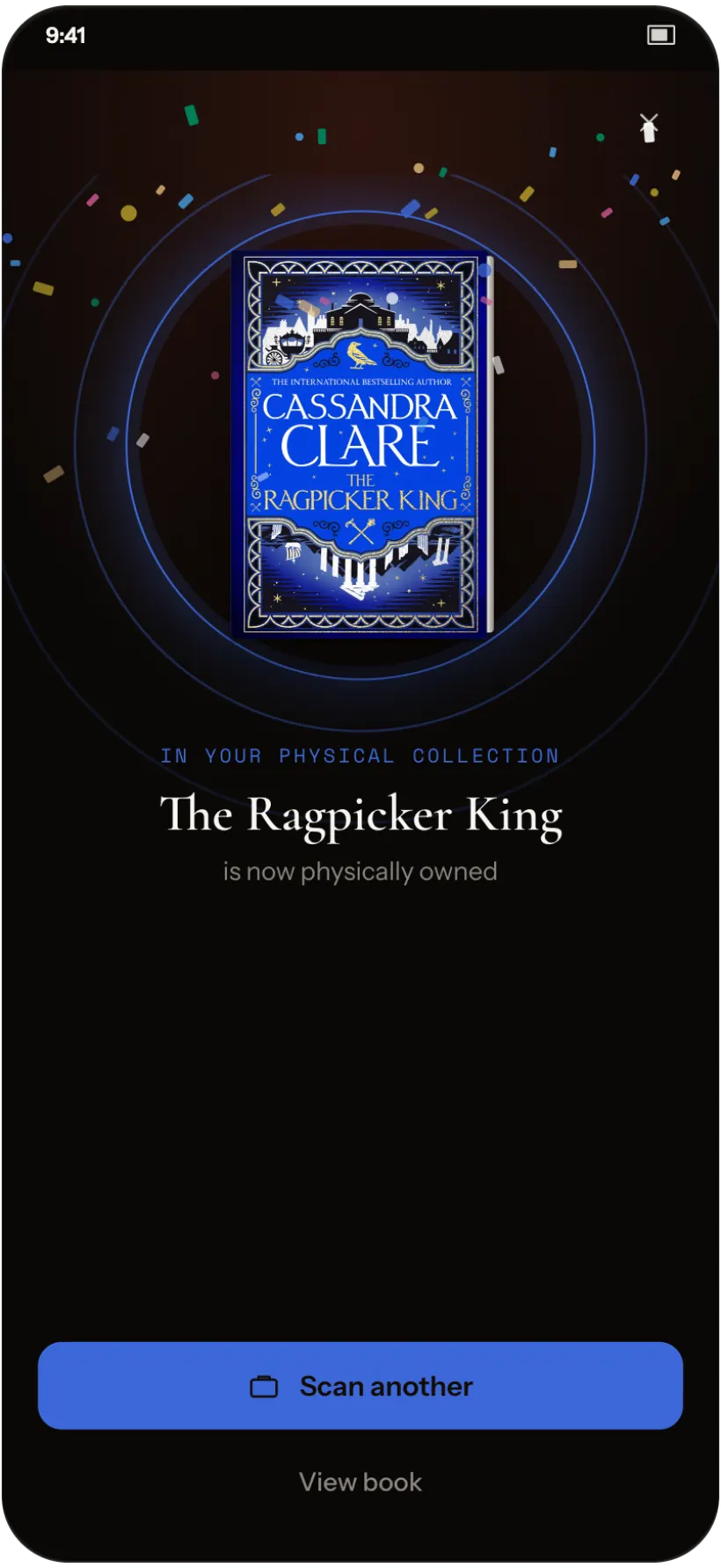
Check the copy in
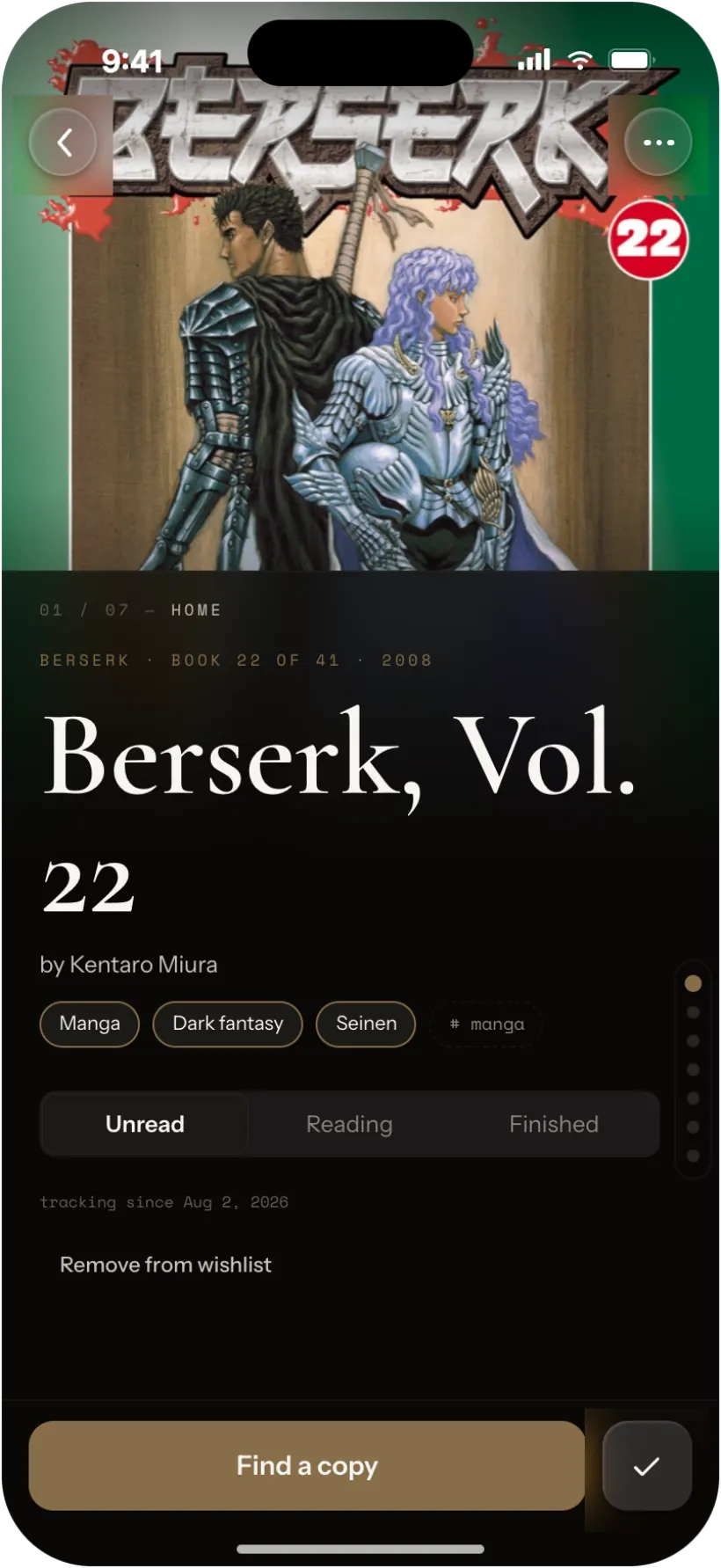
Or track it on the wishlist
Scanning
Your files; untouched
Omnibus's scanner recursively searches through the library folder you give it to find all applicable filetypes. Omnibus never writes to your files directly. Any updates to your book's metadata is saved to the database and is applied to the book when it is exported or sent out of Omnibus.
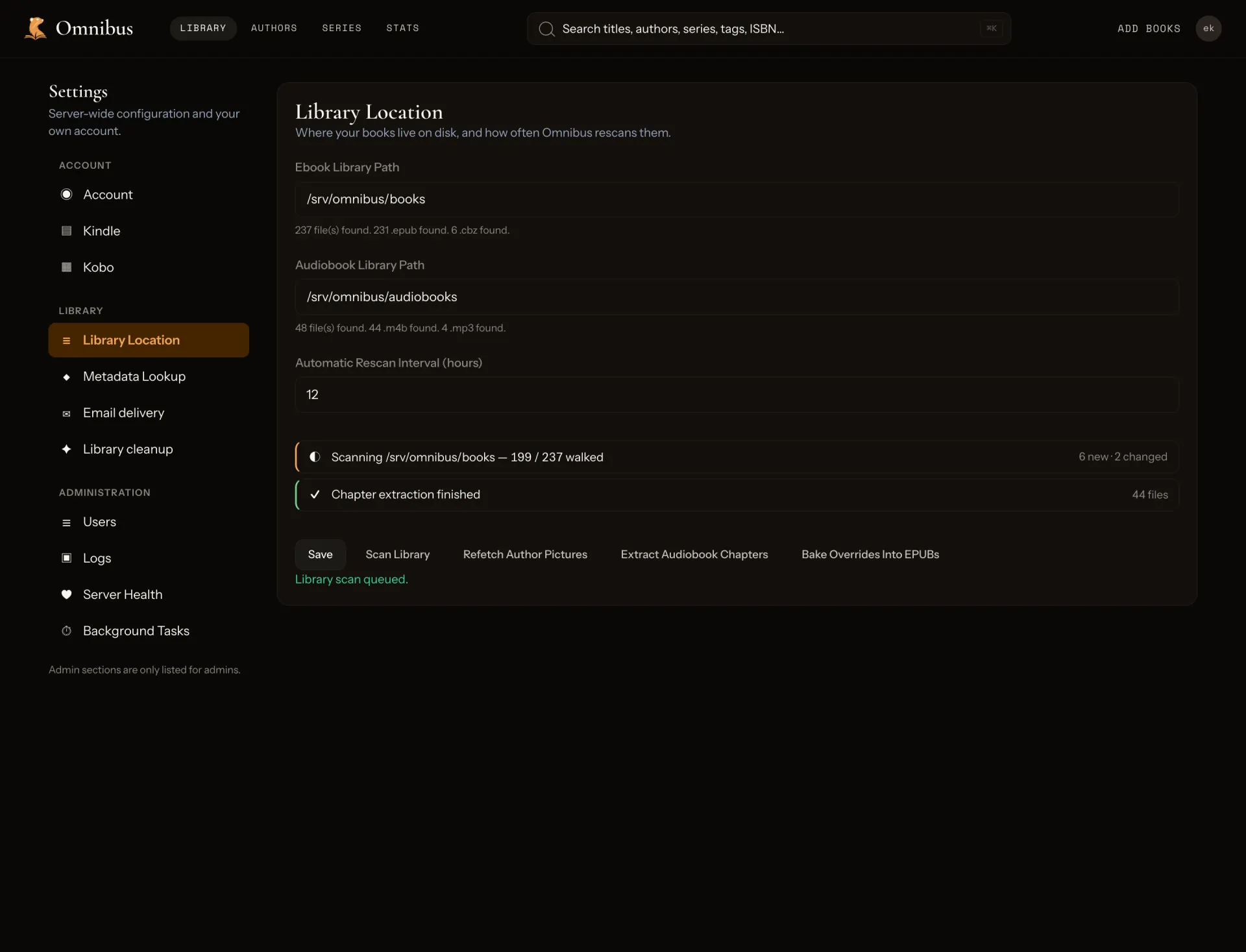
Settings · Library Location
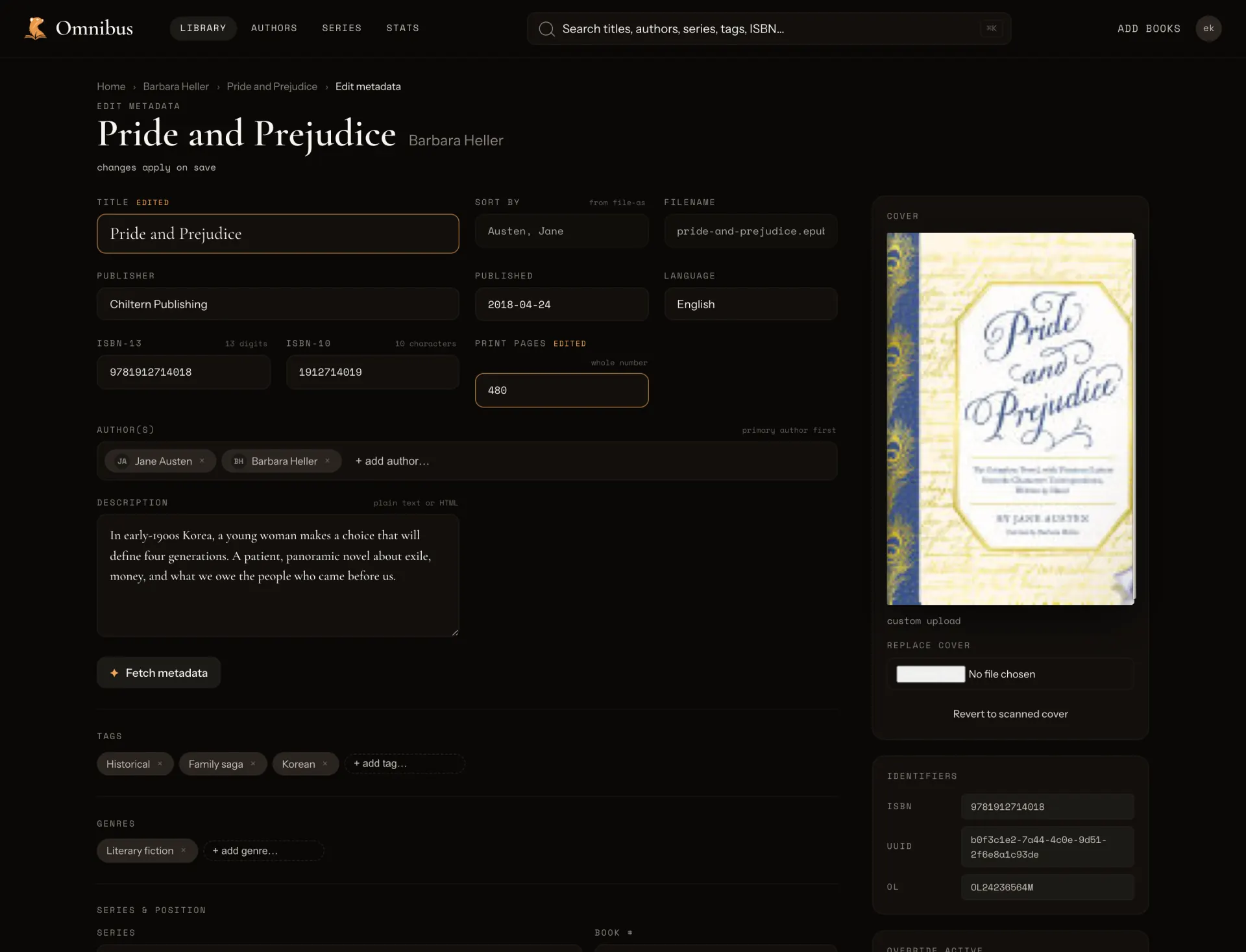
Edit metadata
MCP
Talk to your library
Omnibus ships an MCP server allowing you to interact with your library using your own AI agent. Enable the MCP server via toggle in admin settings and create an API key. Allow your agent to edit your metadata, create shelves for you, merge books, and talk with you about your books.
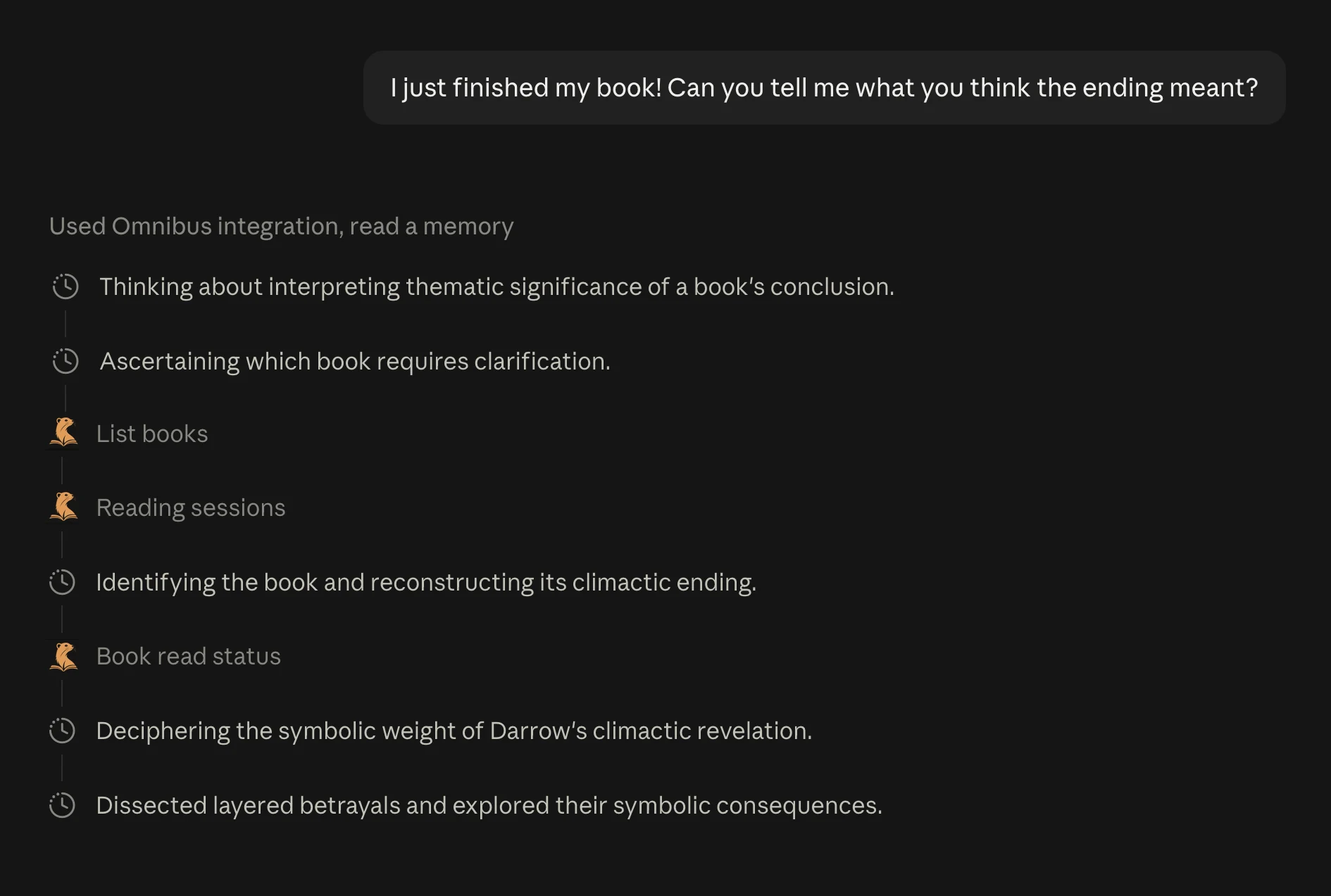
Ask about what you read
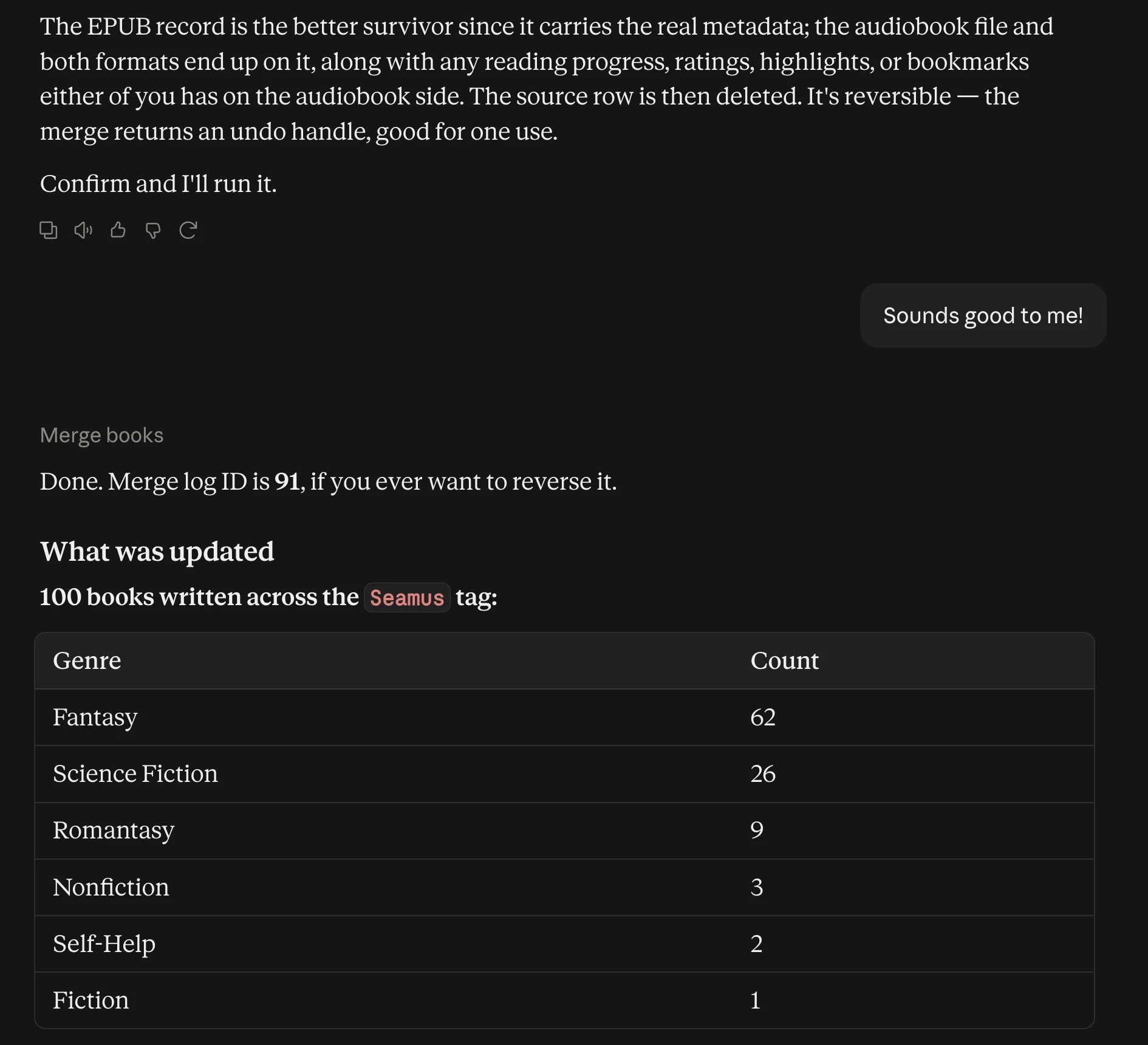
Merge and repair · reversible
Questions
Before you clone it.
Does it work with my existing Calibre folders?
Point Omnibus at the folder you already have. The Author/Title layout scans as-is, metadata is read from inside each EPUB rather than Calibre’s metadata.opf sidecar, and nothing on disk is moved or renamed.
Do I need a high-end server?
No. A 4GB Raspberry Pi is more than enough. One Rust binary, SQLite, and a bind-mount — it runs on the machine you already own. Audio is transcoded on demand, so leave a little CPU headroom if the whole house listens at once.
Does it read DRM-locked files?
No, and it won’t pretend to. Omnibus opens the EPUBs and audiobooks you own outright; locked files stay locked and nothing gets stripped.
Why not just use another self-hosted library server?
Omnibus allows you to read and listen to your digital library and keep in sync with all your different devices (kobo, web, mobile), with first-party mobile apps rather than third-party ones.
Open source
Your book collection in one place.
Point Omnibus at your existing digital library and try it out; Omnibus doesn’t tamper with any of your files or folder structure.
$docker compose up -d
Scroll